Video 1 · 4 min
How it works
What we buy, how your records get cleaned, and how you get paid. It includes how an 18-person architecture firm got paid, about four weeks after applying.
Your guide
You asked for your price in writing. Watch two short videos, pick your programs, fill in one form, and email it back.
Sending the form doesn’t sign you up for anything.
Step 1
Video 1 · 4 min
What we buy, how your records get cleaned, and how you get paid. It includes how an 18-person architecture firm got paid, about four weeks after applying.
Video 2 · 8 min
It fills in three rows on screen: Google, Slack and QuickBooks. You can come back to any part.
Step 2
Pick the ones you use. We’ll put them on your form, one row each. Nothing you pick leaves your computer until you email us the form.
Nothing on your list yet. Pick a program to start.
Look at a year of your card and bank statements. Most programs you pay for show up there.
Send them this page. They can find the sizes for you.
Step 3
Do this part on a computer. Download the form and open it from your Downloads folder. You can save, stop, and come back.
On your phone now? Email yourself this page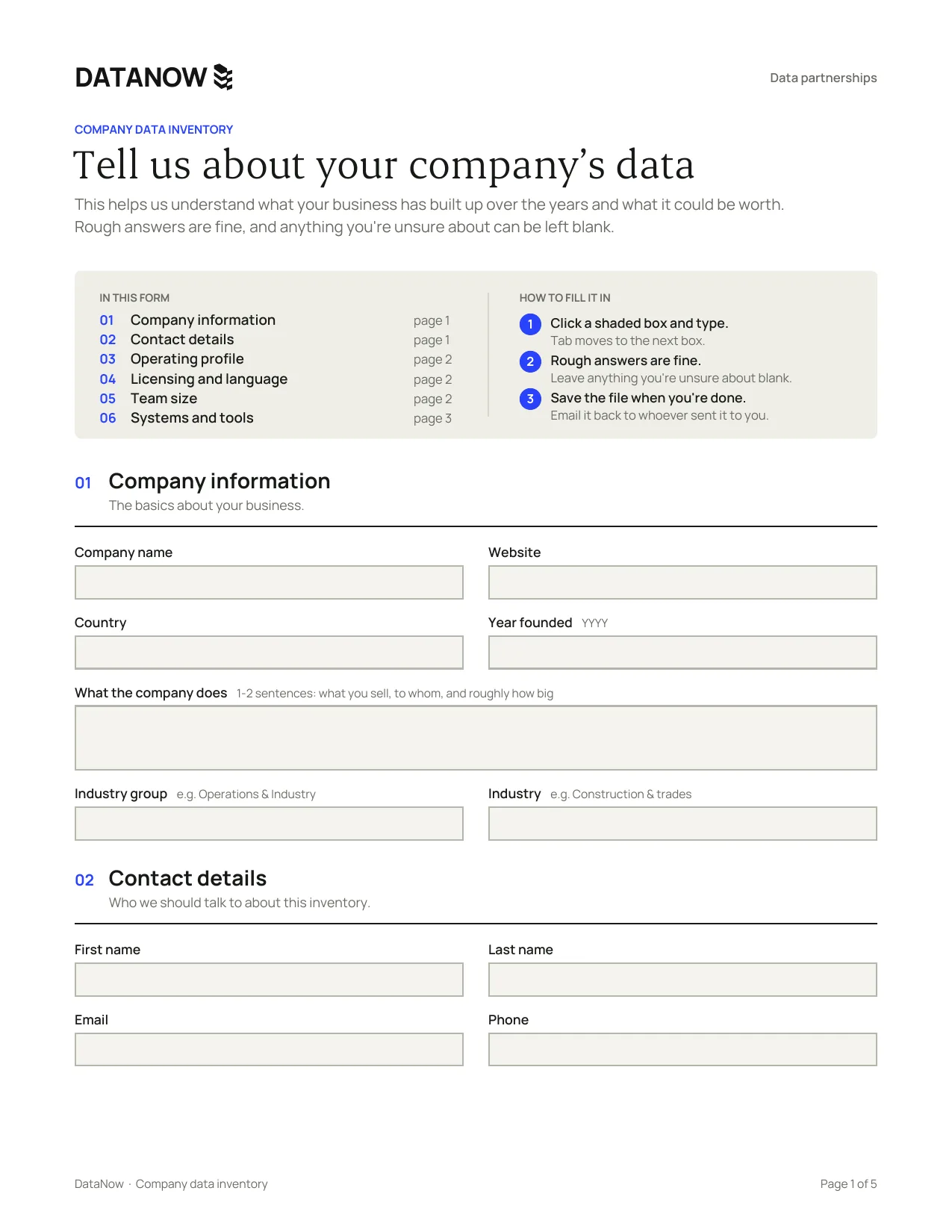
You type right into it. Any programs you picked are already filled in.
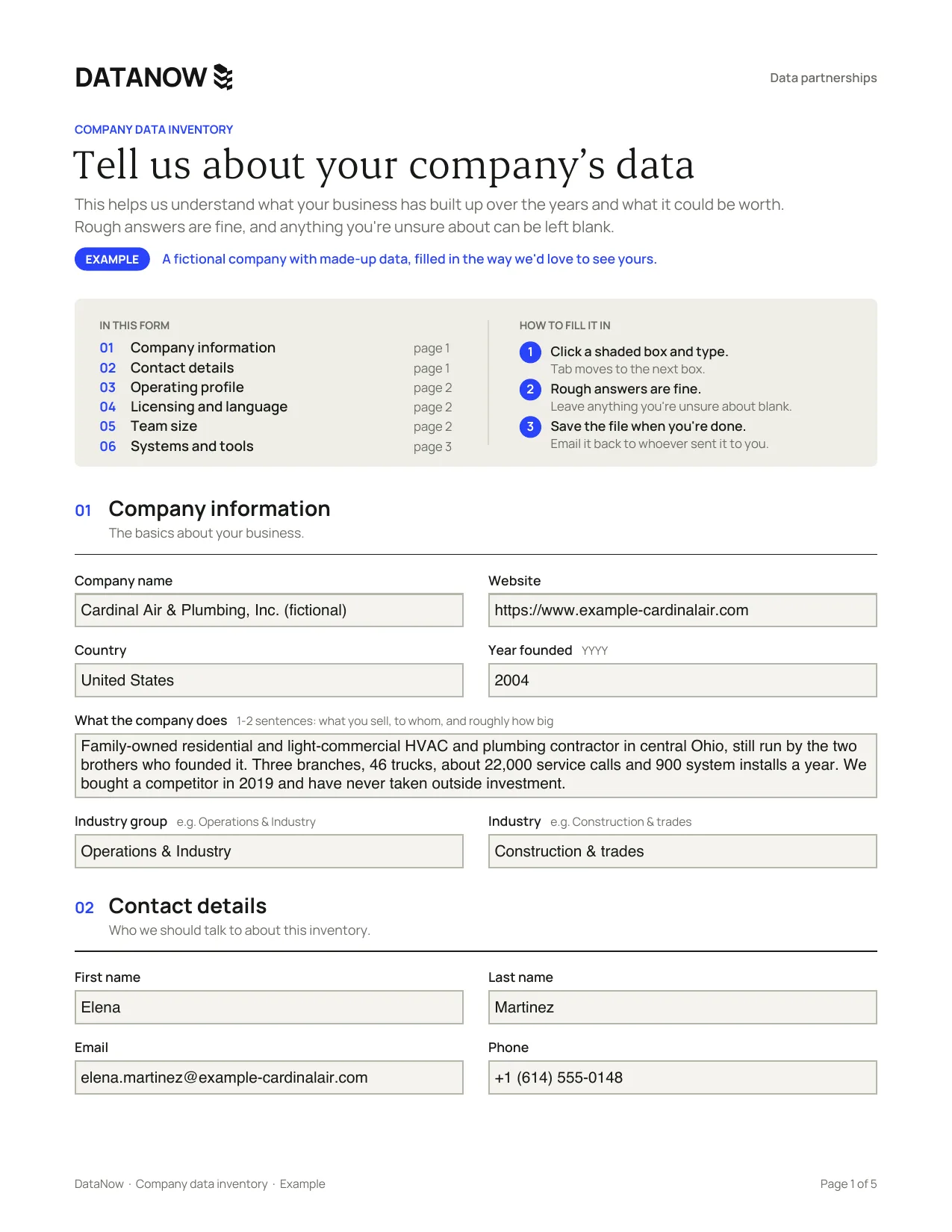
From a made-up company. Yours can be shorter or longer. Stuck on a box? See how they did it.
Help with step 3
Pick a program to see where to look.

Your email and files together are one row. Can’t get into that page? Ask whoever set up your Google account.
Yes
Years. Write how long you’ve been on Google.
Get all of these on one page PDFStuck? Email our team and say which program.
Step 4
Email it to us at support@trydatanow.com. We come back with your price in writing, usually in a day or two.
Remember to attach the form you saved.
Haven’t asked for your rough price yet? Ask for it here